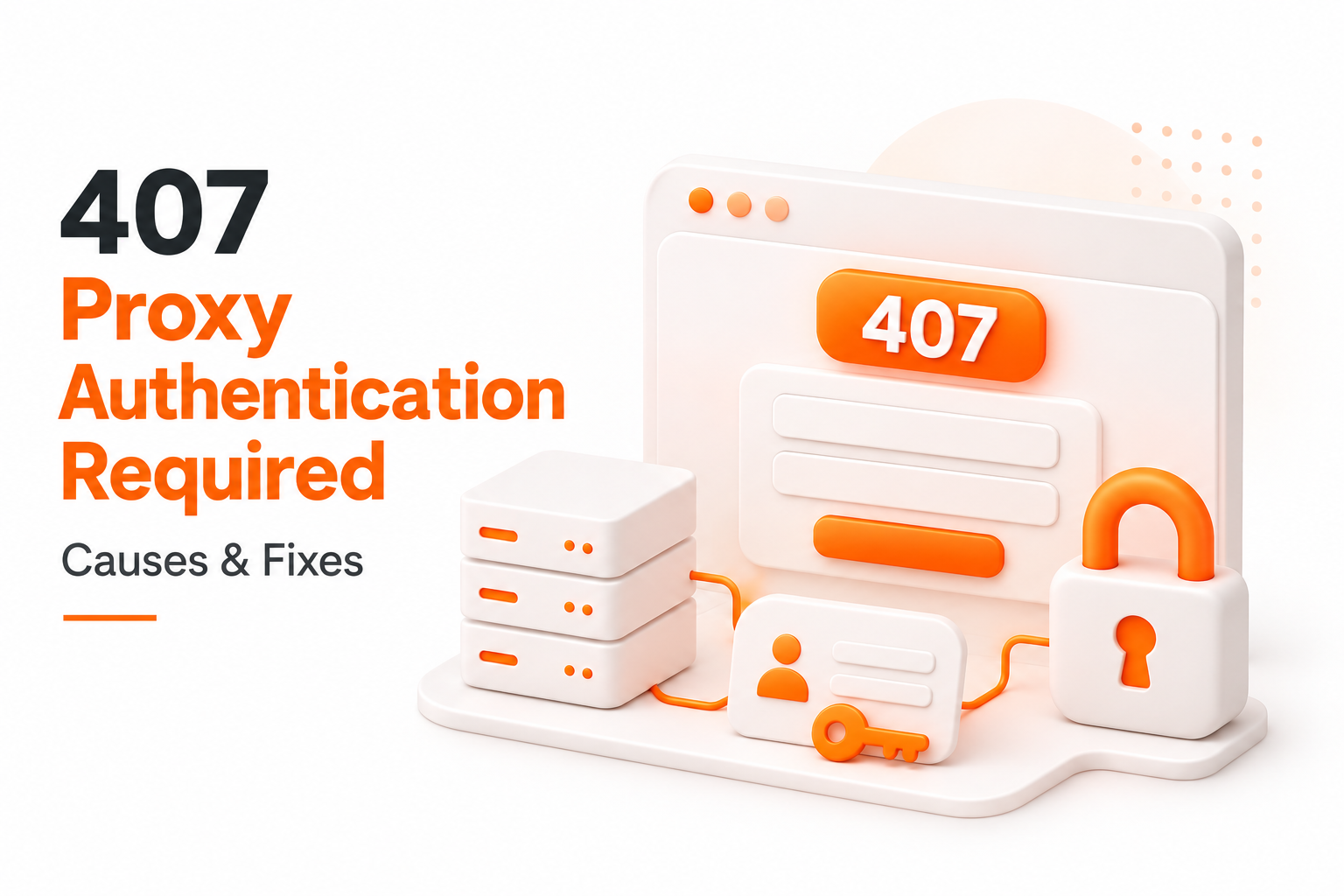
A 407 Proxy Authentication Required response means an intermediary is asking your client to authenticate before it can use the proxy. Start with the proxy endpoint, authentication method and credentials. Changing the exit IP or retrying the same request repeatedly does not repair a rejected login.
This guide shows how to locate the failure, reproduce it with cURL, and separate proxy authentication from a target website's response. The examples cover HTTP proxies and HTTPS requests through an HTTP CONNECT tunnel; SOCKS5 authentication uses a different protocol.
What does HTTP 407 actually mean?
A proxy issues an authentication challenge in the Proxy-Authenticate response header. The client can respond with proxy credentials through Proxy-Authorization. This exchange is defined in RFC 9110, section 15.5.8. A simplified challenge looks like this:
HTTP/1.1 407 Proxy Authentication Required
Proxy-Authenticate: Basic realm="proxy-access"
Content-Length: 0
One 407 during an authentication negotiation can be normal if the client subsequently authenticates and the request succeeds. A final or repeated 407 is the condition to investigate. Check the complete exchange, not one line from a log.
407 vs 401, 403 and 429
| Signal | What it tells you | First check |
|---|---|---|
| 407 | A proxy requires authentication for this request. | Proxy credentials, challenge and access configuration. |
| 401 | The requested resource requires authentication. | The website or API's credentials; inspect WWW-Authenticate. |
| 403 | The responding server understood the request but refuses it. | Which hop returned it, then permissions and access policy. |
| 429 | The responding service is rate-limiting requests. | Request rate and any Retry-After guidance. |
| DNS, timeout or TLS error | The connection failed without necessarily receiving an HTTP status. | Hostname, port, routing and certificate validation. |
A proxy can also return 403 or 429, so the number alone does not identify the responding system. For HTTPS, separate the CONNECT response from the HTTP response received after the tunnel opens. The standard definitions are in RFC 9110; MDN explains 429 and Retry-After.
Run a controlled cURL test
Use a trusted HTTPS test URL that your plan permits. Run the test on the same machine, container or worker that fails in production. A successful laptop test does not establish that a cloud worker uses the same credentials or outbound IP.
The command below is for a macOS or Linux terminal. Replace PROXY_HOST, PROXY_PORT and YOUR_PROXY_USERNAME with the values for one product. Keep any required routing parameters in the username. cURL prompts for the proxy password, so it does not need to appear in the command or shell history.
curl -q \
  --proxy 'http://PROXY_HOST:PROXY_PORT' \
  --noproxy '' \
  --proxy-user 'YOUR_PROXY_USERNAME' \
  --connect-timeout 10 \
  --max-time 30 \
  --silent --show-error \
  --dump-header - \
  --output /dev/null \
  --write-out '\nconnect=%{http_connect} http=%{http_code}\n' \
  'https://example.com/'
The explicit proxy and empty --noproxy value keep this test on the specified route; -q, as the first option, skips a default curl configuration file. The command discards the response body and prints headers plus two status values. It has time limits and no automatic retry loop. The cURL option reference documents these controls.
Here http:// describes the client-to-proxy connection. The https:// destination uses a CONNECT tunnel through that HTTP proxy. Do not change the proxy scheme to https:// merely because the destination uses HTTPS: the proxy endpoint must support that protocol. With an HTTP proxy, Basic proxy credentials are not protected by the destination's TLS tunnel; use a provider-supported HTTPS proxy endpoint or an appropriately protected network when that is required. How CONNECT works.
Read the two status values separately
| Output | Interpretation | Next action |
|---|---|---|
| connect=407 http=000 | The proxy rejected the CONNECT request; no target HTTP response was received. | Fix proxy authentication first. |
| connect=200 http=200 | The tunnel and this test request succeeded. | Reproduce the original job using the same configuration. |
| connect=200 http=403 | The tunnel opened; a later HTTP response denied the request. | Investigate the responding service's permissions or policy. |
| connect=200 http=000 | The tunnel opened, but no target HTTP status arrived. | Read the cURL error for a TLS, timeout or other transport failure. |
| connect=000 http=000 | No CONNECT response was recorded. | Inspect connection errors and confirm the expected proxy route. |
These values describe the command above, not every proxy protocol. 000 is cURL's absence-of-status value, not an HTTP response code. A 200 CONNECT response proves the tunnel opened; it does not necessarily prove a password was checked, because an allowlisted client may be admitted without one. Also, cURL can exit successfully after receiving an HTTP error unless an appropriate failure option is enabled.
Six checks that narrow down a persistent 407
1. Match credentials to the exact product endpoint
Compare hostname, port, protocol, proxy username and proxy password as one set. A dashboard login or management API token is not automatically a proxy credential. Check for stale secrets after a rotation, accidental spaces, and a residential username paired with an endpoint for a different product.
If the username includes country or session options, regenerate it using the provider's supported configuration tool. Do not remove mandatory fields or copy another provider's parameter syntax. Once a minimal supported configuration works, add optional targeting settings one at a time.
2. Separate a password problem from a parsing problem
Credentials embedded in a URL can break when characters such as @, / or % are interpreted as URL syntax. When a client requires a proxy URL, encode the username and password components according to that client's documentation, once; do not encode the entire URL.
The interactive cURL example avoids placing the password in a URL. Enter the original password at the prompt, not a percent-encoded version. If this succeeds while an application's URL-based configuration fails, inspect how that application constructs and parses its proxy URL.
3. Check the requested authentication scheme
Read Proxy-Authenticate. A client configured for Basic authentication cannot necessarily satisfy a different challenge. cURL uses Basic by default for proxy credentials; --proxy-anyauth can negotiate among methods supported by the installed build. It may add a challenge round trip. Use it with the provider's documented requirements, rather than treating it as a way to make an invalid password work. cURL proxy authentication.
Use --proxy-user for proxy authentication, not --user, which addresses server authentication. Configure the application's proxy-authentication feature instead of adding a generic Authorization header to the target request.
4. Verify the source IP when using an allowlist
If your product supports IP-based authentication, the relevant address is the public outbound IP that reaches the proxy gateway. It is not your laptop's private address, and it is not the proxy exit IP seen by the target website.
A VPN, cloud NAT gateway or deployment change can alter that source address. Verify it from the actual runtime or your network configuration, then update the narrow allowlist through the provider's normal controls. Confirm whether the product expects credentials, an allowlist, or both; a failed access rule is not guaranteed to use status 407.
5. Find configuration differences between clients
If cURL works but a browser or application fails, compare its effective proxy settings, saved authentication, product endpoint and runtime secrets. Check environment variables, operating-system proxy settings, browser extensions and corporate gateways. A 407 may originate from an intermediary other than the one you intended to use.
For cURL, inspect http_proxy, HTTPS_PROXY, ALL_PROXY and NO_PROXY without sharing their secret values. NO_PROXY can bypass selected hosts, and cURL intentionally treats uppercase HTTP_PROXY differently from lowercase http_proxy. cURL environment-variable rules.
6. Check account and product access
Confirm that the proxy credential is enabled and authorized for the selected product, and that any required balance, subscription or access approval is in place. Provider-specific account failures can use different status codes. Read the documented error details; do not infer “wrong password” from 407 alone.
Apply the checks to IP Fist
Start with the username, password, host and port shown for your selected product in the IP Fist dashboard. The IP Fist documentation shows separate Residential and Unlimited examples, so treat their endpoint and credential combinations separately. Use the current generated configuration as the source of truth.
Run the test from the failing environment, then change only one setting at a time. If a neutral test works but a specific website still fails, move to website-specific proxy troubleshooting. Review rotating and sticky sessions after authentication works; changing session strategy is a separate decision.
What to send support if the error persists
A compact reproduction is more useful than a full unfiltered debug log. Include:
- Timestamp with timezone, selected product, proxy hostname and port, and client name/version.
- Whether you use username/password authentication or an allowlist; include a masked username and parameter format.
- The
CONNECTstatus, final HTTP status,Proxy-Authenticatescheme, and a redacted error message. - Whether the same test succeeds from another authorized runtime, and what changed before the failure began.
Remove passwords, tokens, authorization headers and session cookies before sharing logs. Send account-specific details only through the private IP Fist support channel. Pause workers that repeatedly receive the same authentication rejection until the configuration is corrected.
Frequently asked questions
Does a 407 mean the website blocked my proxy IP?
It identifies a proxy authentication requirement. It is not, by itself, evidence of an exit-IP reputation problem or a target website ban. Locate which intermediary returned it before changing providers or IPs.
Why does the log contain a 407 followed by a successful request?
Challenge-based authentication can begin with a 407 and finish successfully after credentials are supplied. Judge the final outcome. In our controlled --proxy-anyauth test, the proxy returned 407 and then 200.
Should I retry a 407 or disable certificate checks?
Retry after correcting credentials or completing the expected authentication exchange. Repeating unchanged rejected credentials adds load without fixing the cause. Disabling TLS verification does not solve proxy authentication; investigate certificate errors separately.
Can a SOCKS5 proxy return the same error?
SOCKS5 has its own authentication negotiation. If a tool labels a SOCKS5 failure “407,” inspect its logs and any HTTP gateway in the route before applying HTTP-specific header fixes. See RFC 1929 for SOCKS5 username/password negotiation.
Verification and references
The cURL diagnostic pattern was checked on November 9, 2026 with cURL 8.7.1 against a local HTTP CONNECT proxy and a controlled HTTPS origin using a test CA. Checks covered missing and wrong credentials, a password containing special characters, successful access, a later 403 response, automatic authentication negotiation and the interactive password prompt. These are controlled protocol checks, not a live IP Fist account test or a network performance benchmark.
Protocol references: RFC 9110: 407, MDN: 407, and MDN: Proxy-Authorization. Implementation references: cURL manual, proxy authentication, HTTP tunneling, and proxy environment variables.