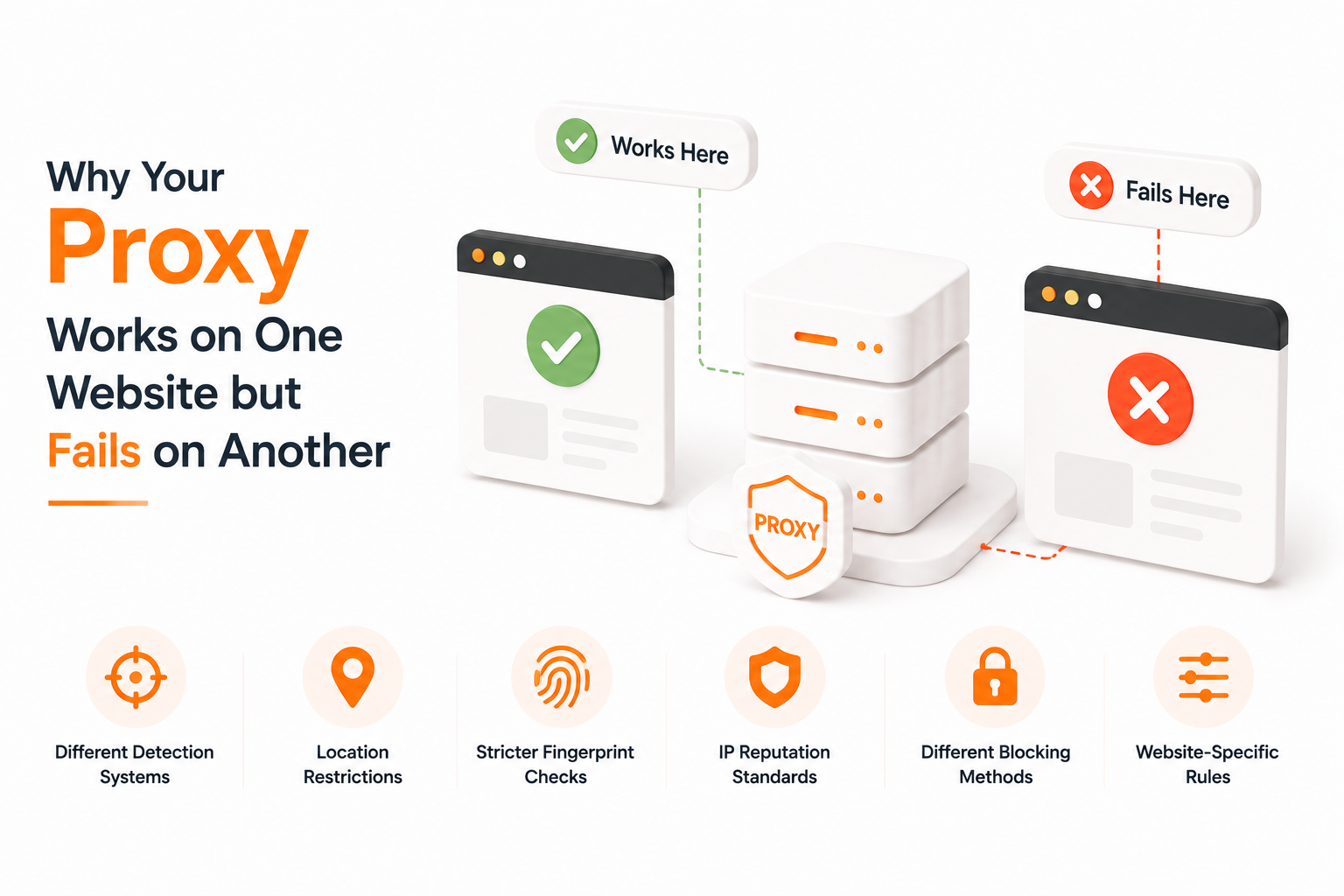
Why Your Proxy Works on One Website but Fails on Another
It's one of the most common — and most frustrating — situations in the proxy world. The exact same proxy, with the exact same configuration, works perfectly on one website and gets blocked instantly on another. No code changed, no settings changed, no IP changed. Yet one site lets you in and the other slams the door.
The proxy isn't broken. What changed is the website. Every site enforces its own detection rules, runs its own anti-bot stack, weighs different signals, and tolerates a different amount of risk. A "good" proxy on one platform can be a "suspicious" proxy on another, and a "blocked" proxy can be perfectly clean from another site's perspective.
Here are the six real reasons why this happens — and how to think about it as an operator instead of blaming the proxy.
1. Every Website Uses a Different Detection Stack
There is no single "anti-bot system" on the internet. Each platform builds (or buys) its own:
- Cloudflare — used by millions of sites, broad and conservative
- Akamai Bot Manager — heavy in retail, banking, ticketing
- DataDome — common in classifieds, e-commerce, media
- PerimeterX / HUMAN — strong on sneakers, gaming, fintech
- Kasada — aggressive, often used on travel and ticketing
- In-house systems — Google, Amazon, Meta, TikTok all run their own
These systems weigh signals differently. Cloudflare might be fine with a residential IP and an honest User-Agent. Akamai, on the same connection, might fail you because your TLS fingerprint doesn't match a real browser. Same proxy, two completely different verdicts.
Takeaway: the proxy is one input. The detection stack decides the output.
2. IP Reputation Is Scored Per-Site, Not Globally
There's no universal "this IP is clean" stamp. Each platform keeps its own scoreboard for every IP it has ever seen:
- How many accounts have connected from it
- How many of those got flagged or banned
- How often it appears across unrelated sessions
- Whether it's seen on threat-intelligence feeds the platform subscribes to
An IP that's never touched LinkedIn might look pristine to LinkedIn — and at the same time look toxic to Instagram because 50 sock-puppet accounts logged in from it last month. The IP didn't change. The history each platform has on it did.
Takeaway: a "good IP" is always relative to the site you're hitting.
3. Geographic and Regional Restrictions
Many sites enforce country-, state-, or even ISP-level rules:
- US streaming services block non-US IPs by design
- Walmart Marketplace heavily restricts non-US seller logins
- Banking and government portals geo-fence to their region
- TikTok Shop expects sellers to connect from their registered country
- Some Japanese and Korean sites silently downgrade foreign IPs
Your proxy might be a perfectly clean US residential IP — but if the site you're hitting only wants UK consumer ISPs, you fail. Same proxy, perfectly fine elsewhere, blocked here.
Takeaway: match the IP's country, region, and ideally the ASN type to what the target site expects from a normal visitor.
4. Fingerprint Strictness Varies Wildly
A proxy only changes your IP. Modern sites check a lot more than that:
- TLS/JA3 fingerprint
- HTTP/2 frame ordering
- Canvas, WebGL, WebGPU rendering
- Font list, audio context, timezone, language
- Device sensors on mobile
A simple blog might never look past the IP. An e-commerce checkout, a sneaker drop site, or a social platform will inspect dozens of fingerprint surfaces. If your client's fingerprint screams "headless Chrome" or "Python requests", no proxy on earth saves you. The same proxy + a real browser fingerprint works; same proxy + a leaky scraper fails.
Takeaway: when one site blocks and another doesn't, it's often the fingerprint floor that's different, not the IP.
5. Different Blocking Strategies — Hard Block vs Soft Block
Not every block looks like a block:
- Hard block — 403, 429, login wall, "access denied"
- CAPTCHA challenge — hCaptcha, reCAPTCHA, Cloudflare Turnstile, Arkose
- Silent shadow ban — page loads but data is stripped, prices are wrong, search results are degraded
- Honeypot data — fake products, fake listings, wrong inventory served only to suspected bots
- Delayed bans — request goes through now, account gets restricted 24 hours later
A proxy that "works" on one site might already be silently shadow-banned on another — you just don't see it because the page still renders. This is why "it works" isn't always the right success metric; data quality is.
Takeaway: verify the response, not just the status code.
6. Website-Specific Rules and Risk Appetite
Every business calibrates its anti-bot system to its own tolerance:
- A news site wants traffic — it tolerates almost any IP
- A sneaker drop site treats every visitor as a potential bot
- A bank assumes hostile intent by default
- A SaaS dashboard cares about session continuity, not raw IP
- A marketplace cares about account-IP pairing over time
The same IP gets different treatment depending on what the site has to lose. Low-value content = loose rules. Money, accounts, inventory = strict rules.
Takeaway: expect strict sites to demand strict setups — ISP IPs, sticky sessions, real browser fingerprints, consistent behavior.
How to Diagnose "It Works Here, Fails There"
Run through this checklist before blaming the proxy:
- Is the country and ASN right for the target site? Use an ISP IP for accounts; a rotating residential for research.
- Is the IP fresh on that site, or has it been used heavily already? Try a different IP from the same pool to test.
- Is your fingerprint consistent with a real browser? Test the request in a real Chrome before testing it in your scraper.
- Are you getting real data or honeypot data? Compare against a known-good manual session.
- Did you change session, cookies, or IP mid-flow? Mixed identity = instant flag.
- Are you over-paralleling? 50 concurrent requests from one IP looks like one thing only.
If all six check out and one site still blocks you, the problem is that site's detection floor — not the proxy.
How IP Fist Helps
IP Fist gives you the network layer; you bring the fingerprint and behavior layer. For the network side:
- ISP proxies — clean, static, consumer-ASN residential IPs for accounts and sticky workflows
- Residential rotating proxies — millions of real-device IPs with city-level targeting for research and discovery
- Sticky sessions from 1 to 120 minutes when you need identity continuity
- Country and city-level targeting so the IP matches what the target site expects
The right network pairing — ISP for trust-sensitive sites, rotating for breadth — solves the proxy half of the problem. The fingerprint, cookies, and behavior layer must match.
The Bottom Line
A proxy never works "everywhere" — it works on sites whose detection threshold it clears. When the same proxy works on Site A and fails on Site B, the proxy didn't change. What changed is the detection stack, the IP's history on that site, the fingerprint expectations, and the site's risk appetite.
Stop asking "is the proxy good?" Start asking **"is this proxy good enough for *this* site, with *this* fingerprint, in *this* region, doing *this* workflow?"** That's the question every site is actually answering when it decides whether to let you in.