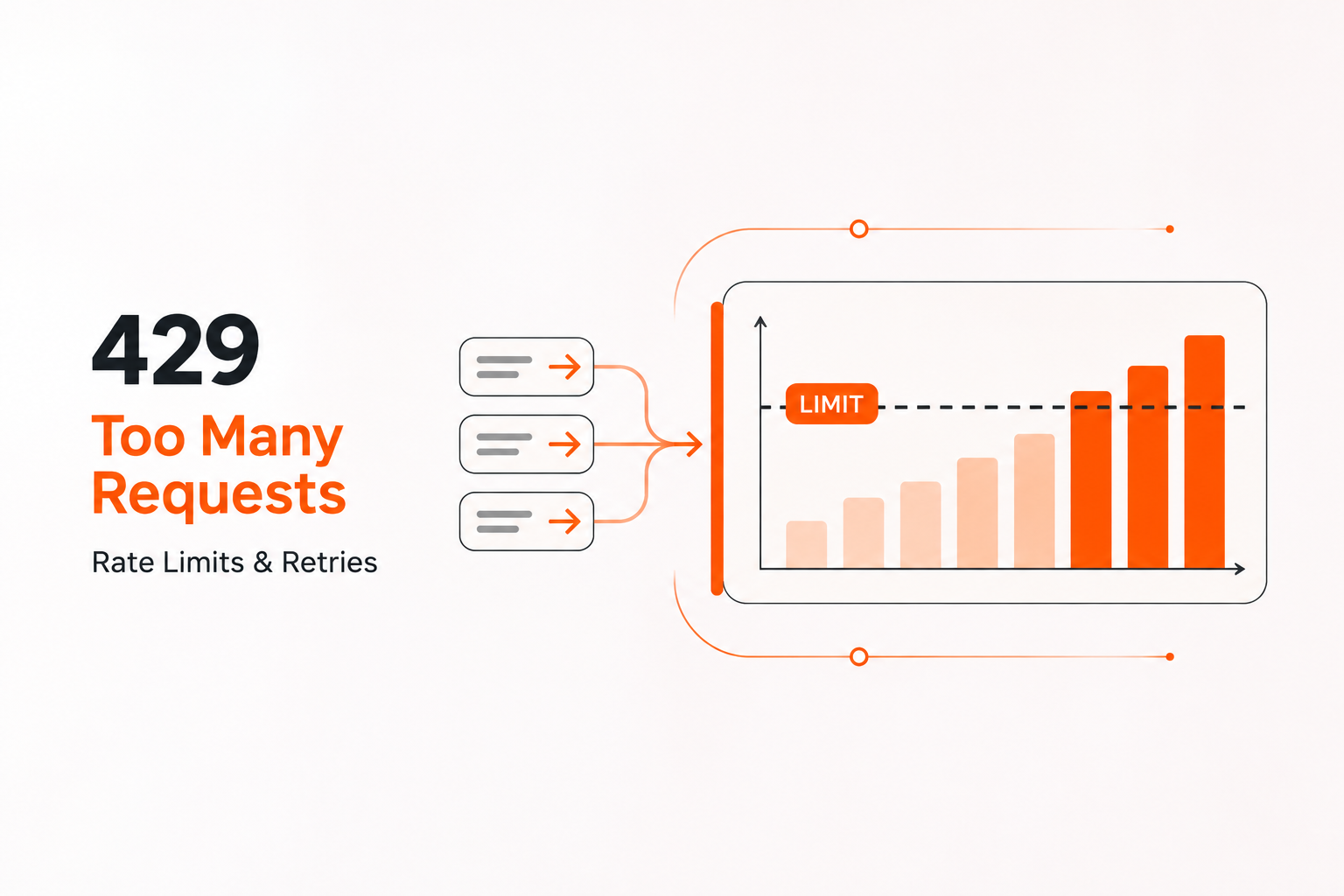
HTTP 429 Too Many Requests means a responding service is limiting the rate of requests. When a proxy is in the path, the first task is to locate the limiter. It could be the proxy gateway, a target website or its edge, or an API tied to your account. A different exit IP is useful only if the applicable policy permits it and the limit is actually tied to that IP.
This guide gives you a reproducible diagnostic, a bounded retry policy, and a way to reduce demand before changing proxy settings. It focuses on authorized access and on distinguishing proxy behavior from downstream responses.
What 429 does—and does not—tell you
RFC 6585 defines 429 for too many requests in a given time. It does not prescribe how the server identifies a client or counts requests. The identity may be an IP address, account, API key, cookie or another policy-defined unit. MDN also notes that a response may include Retry-After; the header is optional.
Do not infer a per-IP threshold from the number 429 alone. A proxy service may apply a product quota, and a website may apply a shared account limit across several IPs. A 429 can also come from a gateway in front of the application. Read the response body and headers, then compare behavior across controlled requests.
| Signal | Likely layer for this HTTPS-over-HTTP-proxy test | First action |
|---|---|---|
| connect=429 http=000 | The HTTP proxy or a gateway before the tunnel returned 429; the target HTTPS response was not received. | Check provider status, product limits and gateway response details. |
| connect=200 http=429 | The tunnel opened; a downstream HTTPS service returned 429. | Check target/API rate policy, account quota and Retry-After. |
| connect=200 http=403 | The tunnel opened, but a downstream service refused access. | Investigate permission or access policy separately. |
| connect=407 http=000 | Proxy authentication failed before a target response. | Follow the proxy authentication guide. |
| connect=000 http=000 | No CONNECT status was recorded. | Inspect DNS, route, connection and TLS errors. |
These are diagnostic clues for the specific test below, not a universal attribution rule. A successful CONNECT does not identify every downstream component that might issue 429. A 200 status for one request does not prove a sustained job is under a rate limit.
Run one controlled request from the failing environment
Use an HTTPS URL you are permitted to access. Run the command on the same machine or worker that receives 429. Replace the endpoint and username with the configuration for one IP Fist product. The password is requested interactively rather than placed in shell history.
curl -q \
  --proxy 'http://PROXY_HOST:PROXY_PORT' \
  --noproxy '' \
  --proxy-user 'YOUR_PROXY_USERNAME' \
  --connect-timeout 10 \
  --max-time 30 \
  --silent --show-error \
  --dump-header - \
  --output /dev/null \
  --write-out '\nconnect=%{http_connect} http=%{http_code}\n' \
  'https://YOUR_ALLOWED_TARGET/path'
Read both the CONNECT status and final HTTP status. If a 429 is returned, inspect Retry-After, any documented rate-limit headers, and the response body without sharing credentials or cookies. -q prevents a default curl configuration from changing the route, and --noproxy '' clears bypass settings for this test. The cURL manual documents these options.
Find what is being counted
Use a small, authorized sample rather than repeated bursts. Record the timestamp, target hostname, product endpoint, client identity, status, Retry-After, concurrent workers and total requests started. Compare the same account across workers and the same worker across approved targets. One changed variable at a time gives stronger evidence than switching multiple proxy settings together.
| Observed pattern | Possible explanation | Check before acting |
|---|---|---|
| 429 only during bursts | A short-window or concurrency limit. | Reduce in-flight requests and smooth the queue. |
| 429 across several IPs using one account/API key | An account-level or key-level limit. | Check the documented quota and shared worker budget. |
| 429 only on one target route | A target- or resource-specific rule. | Review that route's rate policy and caching options. |
| 429 before CONNECT succeeds | Proxy gateway or upstream access limit. | Inspect provider response details and account status. |
| No Retry-After header | The response does not state a wait time. | Use conservative backoff with jitter and a fixed retry budget. |
These patterns are hypotheses, not proof of the exact limiter. Some APIs return 429 for quota exhaustion rather than a short pause; Oxylabs' Web API guide explicitly distinguishes rate-limit 429 from spent-quota 429. Check the product's actual error body and documentation before scheduling a retry.
Handle Retry-After correctly
RFC 9110 section 10.2.3 allows Retry-After as either a non-negative number of seconds or an HTTP-date. Treat it as a lower bound for the next request to that limited identity, not as a promise that every request will succeed afterward. Respect the policy that supplied it, including across workers sharing the same account or token.
The small Python helper below parses both forms and adds randomized exponential backoff when the header is absent or malformed. It returns a delay; your scheduler still needs to stop after a bounded number of attempts and queue work for later when the delay exceeds the job's time budget.
from datetime import datetime, timezone
from email.utils import parsedate_to_datetime
from random import uniform
from typing import Optional


def retry_delay(retry_after: Optional[str], attempt: int) -> float:
    if retry_after:
        value = retry_after.strip()
        if value.isdecimal():
            return float(value)
        try:
            deadline = parsedate_to_datetime(value)
            if deadline.tzinfo is None:
                raise ValueError("HTTP-date needs a timezone")
            return max(0.0, (deadline - datetime.now(timezone.utc)).total_seconds())
        except (TypeError, ValueError, OverflowError):
            pass

    return uniform(0.0, min(30.0, 2.0 ** min(5, max(0, attempt))))
For example, Retry-After: 120 means wait at least two minutes; a future HTTP-date points to a specific time. If the result is longer than your job can wait, persist the task for later instead of silently capping the server's delay. A library's automatic retry setting is not enough if several workers independently restart at the same time.
Reduce demand before increasing capacity
- Put all workers for the same account or target behind a shared rate budget; per-worker delays do not control aggregate traffic.
- Set a small concurrency ceiling and smooth bursts. Count queued and in-flight requests separately so retries do not multiply load.
- Cache stable responses, use conditional requests where supported, and deduplicate URLs or jobs before sending them again.
- Retry only requests that are safe to repeat, with a fixed attempt limit. For writes, confirm idempotency support before automated retries.
- Track 429 rate, request rate, median and tail latency, and useful completed results. A rising success percentage at much lower throughput is not the whole picture.
If your provider or target publishes a quota, size the queue against that quota with headroom. Backoff is a recovery mechanism; stable throughput comes from a request budget matched to the actual policy.
When does proxy rotation help?
Only consider a different exit IP after you have evidence the applicable limit is IP-scoped, your access is authorized, and the target's terms permit that traffic pattern. Rotation cannot replenish an exhausted account quota, change an API key limit or repair a shared worker burst. It may also disrupt logged-in sessions if identity changes mid-flow.
If you use sticky sessions, keep related authenticated requests on the same approved session. If you use rotating sessions for independent public-data tasks, still enforce the target's published rate policy. The IP Fist guide to rotating and sticky proxies explains the session trade-off.
Apply the diagnosis to IP Fist
Use the host, port and credentials generated for your chosen product in the IP Fist dashboard and follow the current IP Fist documentation. Record whether the 429 appears at the proxy gateway or after an HTTPS tunnel opens. Keep screenshots and logs redacted before sending them through the private support channel.
If you see 407 instead, fix authentication first with the 407 Proxy Authentication Required guide. If one website fails while a neutral test succeeds, use the website-specific proxy troubleshooting guide to separate access policy from connectivity.
Frequently asked questions
Does 429 mean my proxy IP is blocked?
No. It reports a rate limit from the responding service. The limiter may be tied to an IP, account, API key, cookie or route. Find the responding layer and quota before changing IPs.
Should I retry immediately when there is no Retry-After?
Use a limited retry budget with jittered backoff and reduce the underlying request rate. Immediate retries from many workers can extend the limit and increase cost.
Does HTTP 200 after a retry prove the issue is fixed?
It proves one request succeeded. Observe a representative, permitted workload over the relevant rate window and monitor throughput and 429 frequency.
Verification and sources
The cURL pattern uses documented options and the retry-delay helper was checked against seconds, HTTP-date and malformed-header inputs on November 9, 2026. This is a local implementation check, not a test with live IP Fist credentials or a measurement of any target's private rate limit. Protocol sources: RFC 6585, RFC 9110 Retry-After, MDN 429, and the cURL manual.