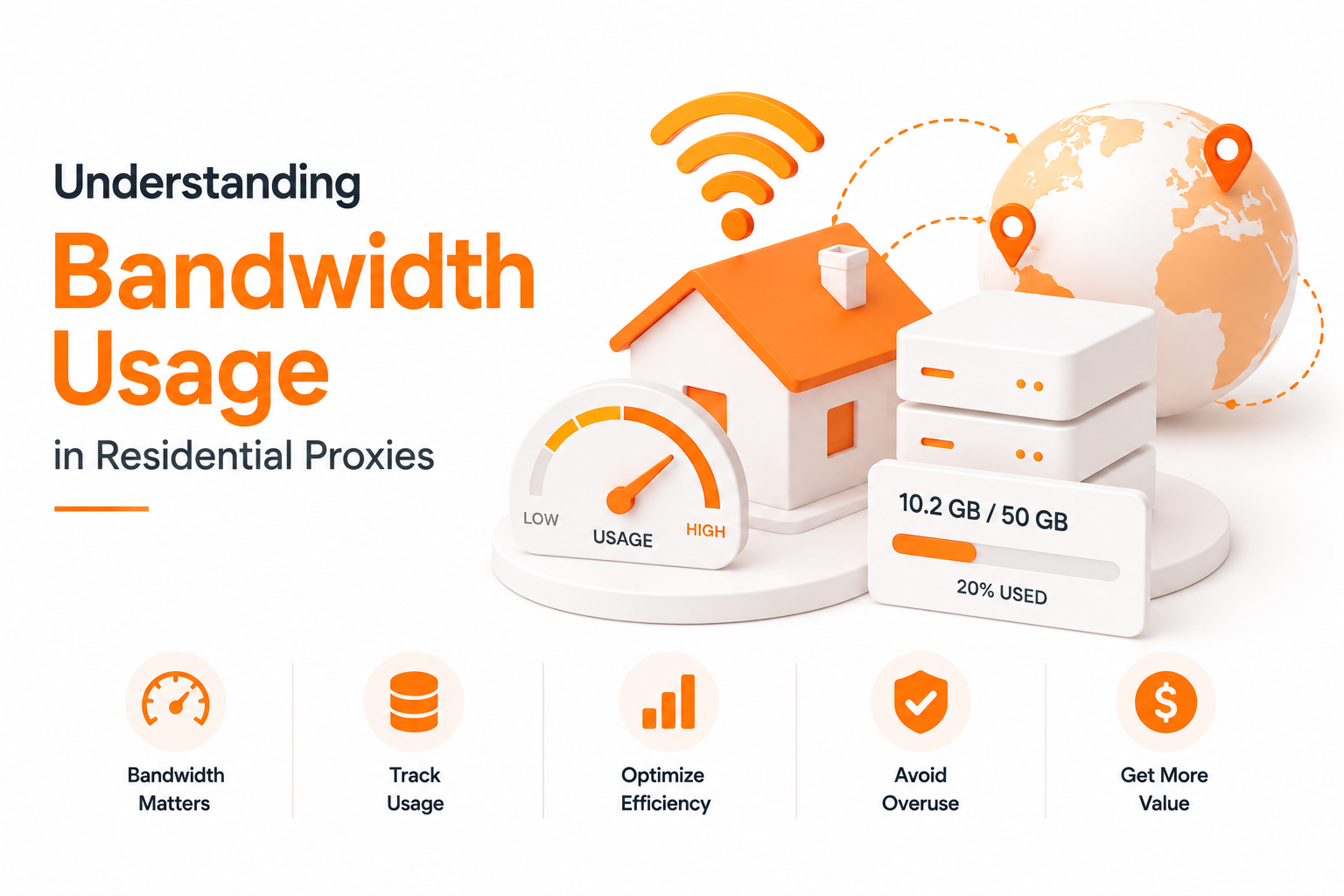
Understanding Bandwidth Usage in Residential Proxies
Residential proxies are billed by bandwidth, not by IP count or request count. That single fact catches almost every new user off guard. You buy 50 GB expecting it to last a month, then watch the meter hit 20% on day three with no clear explanation. Nothing went wrong — you just didn't realize how much data every single proxied request actually moves.
This post breaks down what counts against your bandwidth, where the quiet waste comes from, and the practical ways to make a GB go five to ten times further without changing your workflow.
What Counts as "Bandwidth"
Residential proxy bandwidth is measured as the total bytes that flow through the proxy in both directions:
- Your request headers going out
- The request body (form data, JSON, file uploads)
- The full response from the target — HTML, images, CSS, JS, fonts, videos, JSON
- TLS handshake bytes
- Any retries, redirects, or pre-flights
Both upload and download count. A 2 MB product page download = 2 MB off your quota. A 5 MB image accidentally loaded by a headless browser = also 5 MB off your quota. The proxy doesn't care whether you needed those bytes — they passed through, you pay for them.
Why Bandwidth Burns Faster Than People Expect
A modern web page is heavy. The average page weight on the open web is around 2–3 MB, and many real targets are much worse:
- Amazon product page (full): 4–8 MB
- TikTok Shop listing: 5–10 MB
- Walmart category page: 3–6 MB
- Instagram profile (full render): 8–15 MB
- News sites with ads/trackers: 5–12 MB
If you're using a headless browser, every visit pulls everything by default — images, fonts, video previews, third-party analytics, ad pixels. Multiply that by thousands of requests per day and a 50 GB plan disappears in under a week, even if your "useful" payload was a few KB of JSON.
The Six Biggest Bandwidth Sinks
1. Images, Fonts, and Media
Usually 60–80% of a page's weight. If you're scraping text, prices, or HTML, you almost never need them. Block them at the browser or HTTP-client level.
2. JavaScript and CSS
Often another 15–25% of weight. Block them only if the page renders the data you need server-side; many modern sites need JS to load actual content.
3. Headless Browsers vs Raw HTTP
A raw HTTP request for an Amazon product page might pull 200 KB of HTML. The same page in a default-configured headless Chrome pulls 4–8 MB because it loads every asset. The bandwidth difference is 20–40× for the same "task".
4. Retries and Failed Requests
Every retry counts against bandwidth — including the bytes from the failed attempt. Aggressive retry loops on a flaky target can quietly double or triple your burn.
5. Redirects and Pre-flights
A single "GET /product/123" might silently turn into 3 requests (302 → 301 → 200) plus a CORS pre-flight. All of it counts.
6. Background Telemetry From Anti-Detect Browsers
Anti-detect browsers (Multilogin, AdsPower, GoLogin, etc.) often phone home for fingerprint sync, profile backup, and updates — through your proxy. That traffic is invisible to you, but the meter sees it.
The Hidden Math: How a 50 GB Plan Actually Spends
A realistic week using a headless browser for e-commerce monitoring:
| Item | Per request | Daily requests | Daily bandwidth |
|---|---|---|---|
| Product page (full load) | 5 MB | 2,000 | 10 GB |
| Search results | 3 MB | 500 | 1.5 GB |
| Image previews (incidental) | — | — | included above |
| Retries (10%) | — | — | ~1.2 GB |
| Total / day | ~12.7 GB |
A 50 GB plan is gone in 4 days. The same workflow with image/font blocking and a properly configured HTTP client drops to ~1.5–2 GB/day — the plan now lasts a month.
How to Cut Bandwidth Without Hurting Results
1. Block What You Don't Need
In Playwright / Puppeteer:
await page.route('**/*', (route) => {
  const type = route.request().resourceType();
  if (['image', 'media', 'font', 'stylesheet'].includes(type)) {
    return route.abort();
  }
  return route.continue();
});
In a plain HTTP client, just don't fetch them. Most scraping tasks never need them.
2. Use Raw HTTP When the Site Allows It
If the data is in the HTML or in a JSON endpoint, skip the browser entirely. A fetch or requests.get is 10–40× lighter than a headless browser visit.
3. Cache Aggressively
Static assets, sitemaps, robots.txt, even product metadata that doesn't change often — cache them. Re-downloading the same thing through a paid proxy is pure waste.
4. Cap and Back Off Retries
Three retries with exponential backoff is fine. Twenty retries on a flaky target is a bandwidth crime. Detect "the site is down for me right now" early and stop.
5. Tighten Concurrency
50 parallel browsers all loading 5 MB pages = a 250 MB hit per round. Lower concurrency rarely costs you throughput on a single target (it's rate-limited anyway) and saves enormous bandwidth.
6. Pick the Right Geo Once
Don't loop through countries "just in case". Each region change can mean fresh handshakes, cookies, and pre-flights. Decide the geo for the workflow up front.
7. Disable Anti-Detect Browser Telemetry Through the Proxy
Most anti-detect browsers let you route background traffic outside the proxy, or disable it entirely. Do it.
8. Use ISP / Unlimited for the Right Workloads
Residential rotating is bandwidth-billed; ISP and unlimited products are flat-rate. If a workflow is heavy by nature (image-rich account ops, video previews, anti-detect with telemetry), it belongs on an unlimited or ISP plan, not on a metered residential pool.
A Quick Self-Audit
Before you blame the residential pool for "burning fast", check:
- Are you running a headless browser when raw HTTP would do?
- Is the browser fetching images, fonts, and media you don't read?
- How many retries does each failed request actually produce?
- Are you caching anything that doesn't change every minute?
- Is the anti-detect browser sending background traffic through the proxy?
- Could this workload sit on ISP / unlimited instead of metered residential?
Most teams that audit themselves cut bandwidth by 50–80% without changing the data they collect.
How IP Fist Helps
IP Fist's product mix lets you put each workflow on the right meter:
- Residential rotating — billed by GB, perfect for short, surgical research tasks where you control the page weight.
- Unlimited residential — flat-rate for heavy or unpredictable bandwidth (video, image-heavy ops, anti-detect browser sessions).
- ISP proxies — flat-rate static residential for identity workflows where you'd otherwise burn metered GB on long account sessions.
- Sticky sessions to reduce repeated handshakes and re-fetches on the same target.
Used together, you stop "everything goes through the metered pool" — which is where the bill explodes.
The Bottom Line
Residential bandwidth doesn't disappear mysteriously. It goes to images you don't read, JavaScript you don't need, retries you didn't cap, browsers you didn't tune, and background traffic you didn't realize existed. Fix those six things and a 50 GB plan stops feeling like 5 GB.